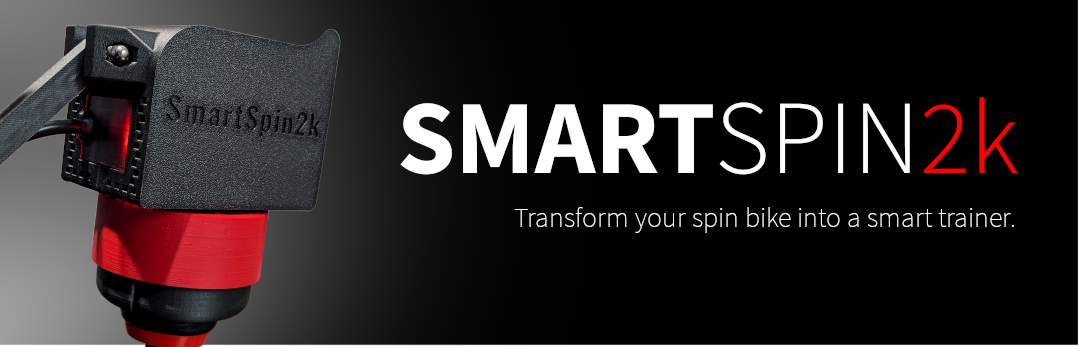
SmartSpin2k mounts on your spin bike and turns the resistance knob for you. Zwift, Rouvy, TrainerRoad, and other training apps see it as a smart trainer. Climbs get harder, descents get easier, and ERG workouts hold your target power.
Start here
New to SmartSpin2k? About What it does, how it works, and what you need to ride. Read About → Will it fit my bike? Compatibility Supported bikes and training apps, and how to tell if yours will work. Check your bike → Just got yours? Getting Started Mount it, connect the Companion App, and get to your first ride. Start setup → Something not working? Troubleshooting Fixes for connection problems, missing power or cadence, a knob that won't move, and more. Find a fix →
Already riding?
- Pair with your training app. Pick SmartSpin2k for power, cadence, and the controllable trainer.
- Change your settings. Shifter direction, shift step, ERG sensitivity, and more.
- Calibrate. Teach SmartSpin2k the range of your bike’s knob. Optional.
- Add a heart rate monitor. SmartSpin2k passes it to your training app with everything else.
- Update the firmware. Get the latest fixes and features from the Companion App.
Get the Companion App
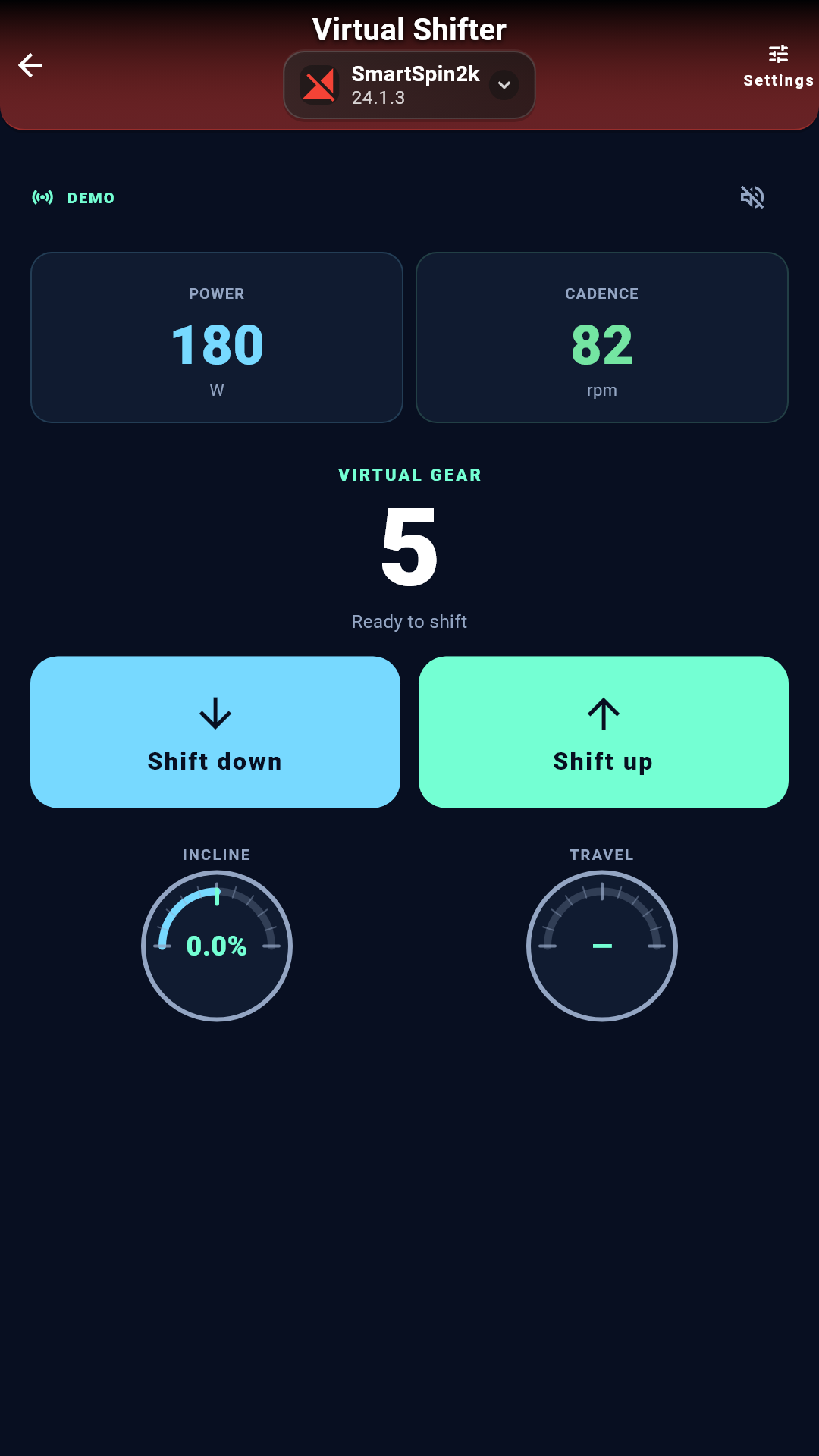
Set up, shift, and update SmartSpin2k from your phone or computer. The first time you open the app, Guided Setup walks you through installation.

Get help
Ask the community in the SmartSpin2k Facebook group. Riders and the SmartSpin2k team answer questions there.
Don’t have a SmartSpin2k yet? Order one from the US store or the global store.